
Pay Any Amount
Free!
Pay with your credit card, as already discussed with Chef Paula.
- Please fill in the “Name Your Price” box
- Press the “Add To Cart” button (actually goes directly to the “checkout” screen)
- Use the space for “Additional information: Order notes” on the checkout page, as needed.
- Complete the Secure Checkout.
Securely send money with NO FEE for either of us if you “Send Money To A Friend” using PayPal as follows…
- Screen 1 = Visit https://PayPal.me/MichaelDHerman then press “send” for next screen.
- Screen 2 = Enter dollar amount and description, then “Continue”
- Screen 3 = Make sure it says “Sending to a friend” and choose your funding SOURCE is BANK (Not Credit Card if possible) on this screen.
- Press “Send Payment Now” button
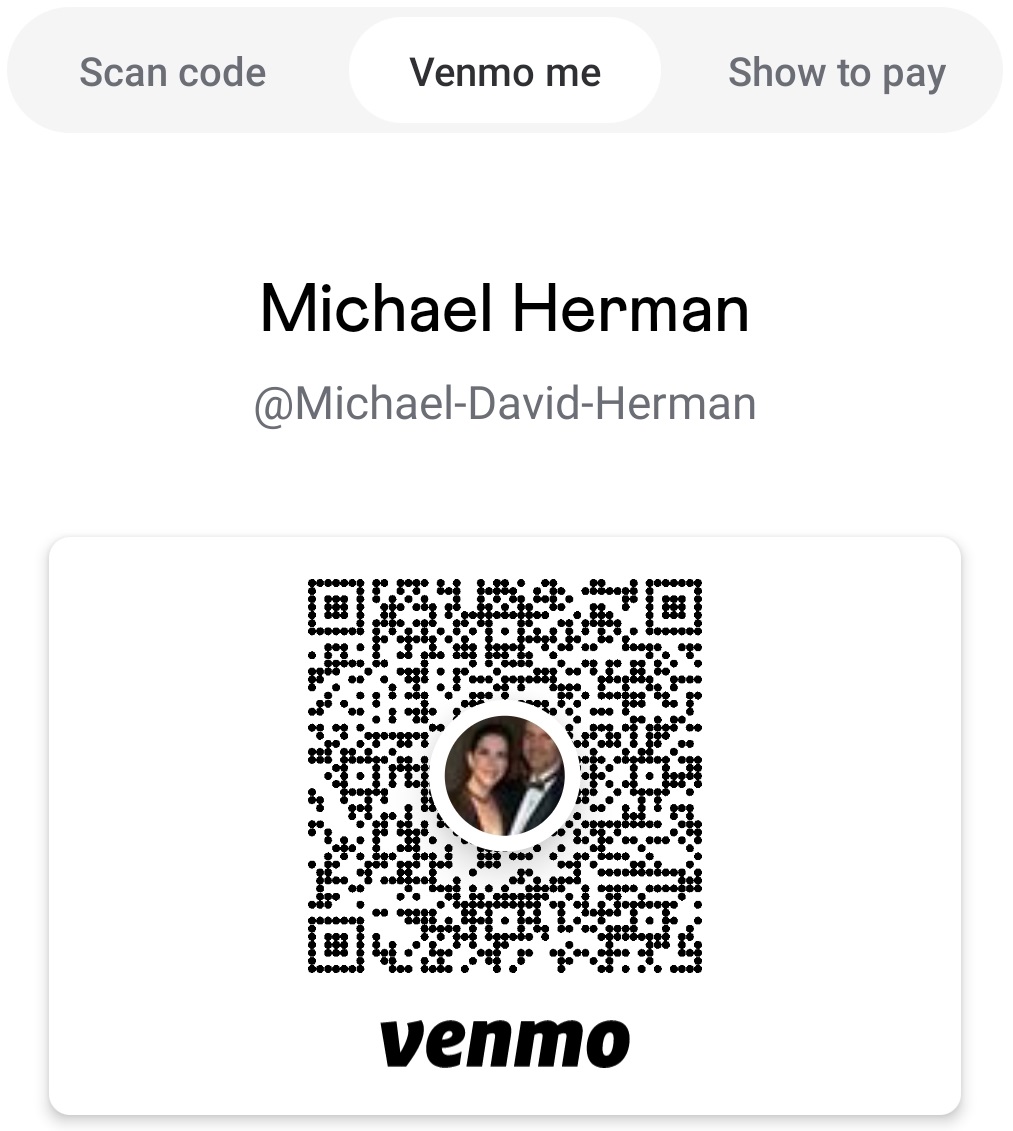
Or you can Venmo Me @Michael-David-Herman (cell 516-413-9989) or scan the QRCODE below with the Venmo App
Any questions, call Chef Paula at (516) 338-0552.
Note: To remove unwanted items from the cart, use the “CART” item in the main menu above (which only appears when items are IN the cart.)
It’s easy to send money with
Use Michael Herman’s Cell Number,
(xxx) xxx-9989
(Ask us, if you don’t know it already)
or scan in your banking app…
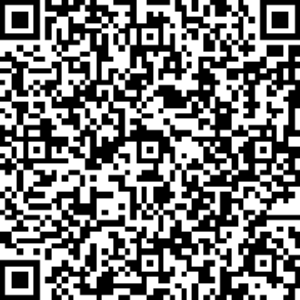
To use the Zelle QR code above …
- log into your banking app on your phone
- Go to Transfers, then “Send money with Zelle”
- Tap the “QR Code” icon to scan and send money
- This will autofill me as the “recipient”
- Then you add the amount and memo.